What to Use When Windows 10 or Older Macs Get Left Behind
I’ve run Windows 10 for years. It’s stable, familiar, and still works perfectly fine on older hardware. But with Microsoft ending support, many solid machines are being pushed aside simply because they don’t meet Windows 11’s strict hardware requirements.
The same thing is happening in the Apple world. Older Intel-based Macs that still run well are losing support as Apple transitions fully to newer hardware and macOS versions. These machines aren’t broken. They’re just “unsupported.” So what’s the real alternative? Instead of replacing perfectly usable hardware, you can switch to an operating system that feels familiar — without forcing a costly upgrade. That’s where Zorin OS comes in.
Why Zorin OS Makes Sense for Both Windows and Mac Users
The Right Balance Between Familiarity and Freedom
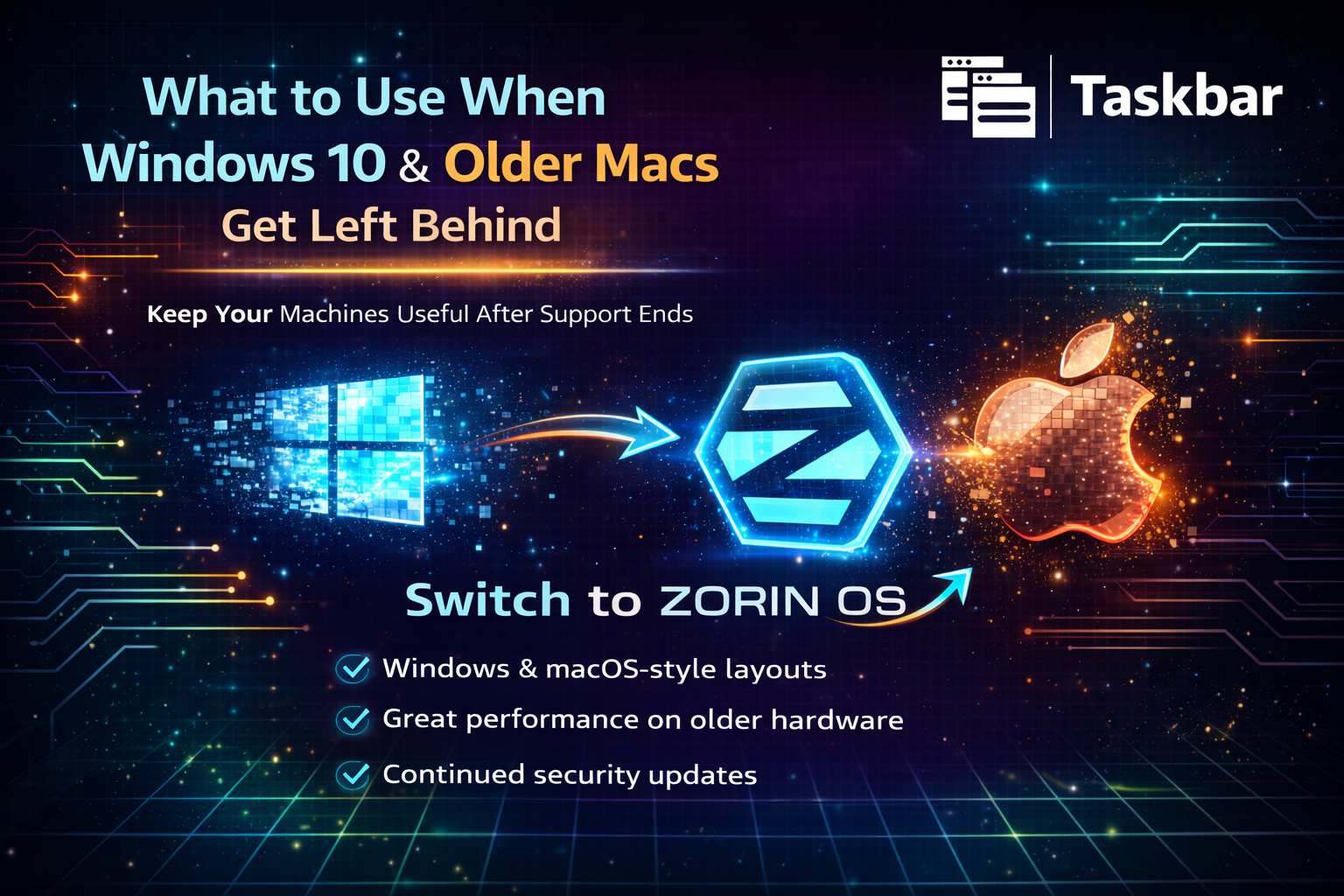
Zorin OS is built on Linux, but it’s designed specifically for people coming from Windows or macOS. For Windows users, it offers a layout that feels almost identical to Windows 10 — bottom taskbar, familiar menu structure, and intuitive file browsing. For Mac users, it offers layout options that mirror macOS-style workflows — dock-style menus, modern UI themes, and clean design. Unlike stripped-down Windows builds or unsupported hacks, Zorin OS is a clean, stable, officially maintained operating system. No workarounds. No bypass tricks. No unsupported patches. It gives you:
- Continued security updates
- No forced hardware requirements
- No forced upgrade cycles
- No aggressive telemetry
You stay in control.
One of the biggest concerns when leaving Windows or macOS is the learning curve.
Zorin OS removes most of that friction.
Its built-in “Zorin Appearance” tool allows one-click switching between:
- Windows 10 style layout
- Windows 11 style layout
- MacOS-style layout
- Classic GNOME desktop
If you rely on muscle memory to navigate menus and files, you won’t feel lost.
Right-click context menus behave the way you expect.
Window snapping works naturally.
System settings are easy to find.
You’re not dropped into a terminal-first experience. You’re given a familiar, modern desktop that just works.
Where Windows 11 requires TPM 2.0 and newer processors, and newer macOS versions drop support for older Intel machines, Zorin OS runs efficiently on aging hardware.
Zorin OS Core works well on modern systems.
Zorin OS Lite (built on Xfce) is optimized for lower-end CPUs and limited RAM.
That translates to:
- Faster boot times
- Lower background resource usage
- No forced upgrade slowdowns
- Minimal system bloat
Machines that struggled under newer Windows builds or unsupported macOS versions often feel responsive again.
If you’ve ever watched Windows updates consume disk space or seen macOS background processes spike CPU usage, you’ll immediately notice the difference.
Switching operating systems always raises one big question: “What about my apps?” Zorin OS includes built-in support for many Windows applications using Wine.
When you open a .exe or .msi file, it can automatically guide you through running it in a compatibility layer. For Windows users, this means:
- Legacy productivity tools can still function
- Certain Microsoft Office installers can run
- Many small business applications remain usable
For Mac users:
- Chrome, Edge, and Firefox are fully supported
- Cross-platform apps like Slack, Zoom, and VS Code run natively
- File syncing and cloud platforms work seamlessly
Zorin OS also includes Zorin Connect, which allows phone integration similar to Apple’s ecosystem features — file sharing, notifications, and messaging from your desktop.
It doesn’t replicate macOS exactly.
It simply bridges the gap intelligently.
When Windows 10 reaches end-of-life, and older Macs stop receiving updates, many people assume the only responsible move is buying new hardware.
That’s not always true.
If your system:
- Still performs well
- Meets your daily workload
- Isn’t physically failing
Then, replacing it purely because of artificial support cutoffs may not be necessary.
Zorin OS gives those machines a second life — securely.
You maintain:
- A familiar interface
- Strong performance
- Continued updates
- Freedom from forced hardware cycles
Zorin OS isn’t just a “Linux experiment.”
It’s a practical, business-ready solution for extending the life of aging Windows and Mac systems.
It feels familiar where it matters.
It performs better where it counts.
And it removes unnecessary upgrade pressure.
If you're facing Windows 10 end-of-life or macOS hardware drop-offs, this might be the smartest move you make this year.
Instead of replacing your machine…
Replace the operating system.